
Quick Start Guide for Dell XPS 13 laptop.
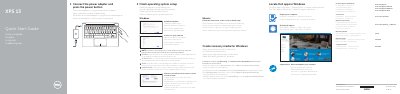
This quick start guide helps set up the Dell XPS 13 laptop, computer model XPS 9350. It covers connecting the power adapter, finishing operating system setup, connecting to a network, signing in, locating Dell apps, and creating recovery media.
It also identifies the laptop's features, ports, and shortcut keys, and points to Dell support, manuals, contact information, and regulatory and safety information.
| Battery-charge status lights | 5 |
|---|
Follow the instructions on the screen.
In Windows search, type Recovery, click Create a recovery media, and follow the instructions on the screen.
Enter the password for the wireless network access when prompted.
Visit Dell.com/support and Dell.com/support/manuals.