
Dell Inspiron 15 Laptop Quick Start Guide
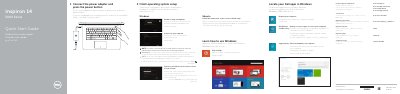
This Dell Inspiron 14-5452 Quick Start Guide helps you set up your new laptop. It covers connecting the power adapter, completing Windows setup, enabling security and updates, connecting to a network, and signing in to a Microsoft account.
The guide also lists shortcut keys and external features such as the camera, HDMI port, USB ports, media-card reader, optical drive, and battery, and provides links to Dell product support and regulatory information.
| USB 2.0 ports | 2 |
|---|---|
| Computer model | Inspiron 14-5452 |
| Regulatory label location | battery bay |
The computer model is Inspiron 14-5452.
The computer has two USB 2.0 ports.
The regulatory label is in the battery bay.
Enter the password for the wireless network access when prompted.