
The Dell AC411™ Quick Start Guide introduces the features and functions of the product.
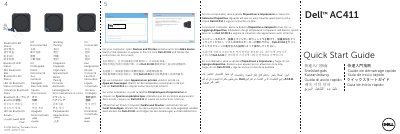
The Dell AC411 Quick Start Guide explains how to add the Dell AC411 speakers to a computer through the Devices and Printers window and follow the on-screen instructions. It also shows the Bluetooth LED status indicators for disconnected, pairing, and connected states.
The guide includes a labeled view of the speaker connections marked AUX IN, DC IN, and RC IN, along with Dell support information.
| Connection labels | AUX IN, DC IN, RC IN |
|---|
Open the Devices and Printers window, click Add a device, wait for the speakers to appear in the list, click Dell AC411, and follow the on-screen instructions.
The Bluetooth LED blinks while the speakers are pairing.
The labeled connections are AUX IN, DC IN, and RC IN.