
Dell Latitude 3340 Notebook Quick Start Guide

This is a quick start guide for HP notebook.
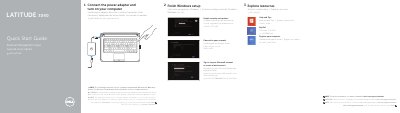

Dell Latitude 3340 Notebook Quick Start Guide - cover page
Brand
DELL
Category
Laptops
Document type
Quick Start Guide
Language
English
Pages
2
File format
PDF
File size
177 KB
Published
25 November, 2023
Updated
25 November, 2023
MD5 checksum
E40AF38701B156B43B645F1D17AF600A

About this manual

This Quick Start Guide for the Dell Latitude 3340 notebook explains initial setup, including connecting the power adapter, turning on the computer, and finishing Windows setup.

It also covers enabling security and updates, connecting to a network, signing in to a Microsoft account or creating a local account, exploring resources, and registering the computer.

What's inside

  • Connect the power adapter and turn on your computer
  • Finish Windows setup
  • Enable security and updates
  • Connect to your network
  • Sign in to your Microsoft account or create a local account
  • Explore resources
  • Features
  • Product support and manuals

Specifications

Regulatory modelP47G
Input voltage100 V AC–240 V AC
Output voltage19.5 V DC

Frequently asked questions

What should I do if my computer has Windows 7 or Ubuntu?

Follow the onscreen setup instructions.

Where can I find the Owner's Manual?

See the Owner's Manual at dell.com/support/manuals.

What is the regulatory model number for the Dell Latitude 3340?

The regulatory model number is P47G.

Download PDF (177 KB)

More DELL Manuals


View all DELL manuals →