
OptiPlex 3240 All-in-One Quick Start Guide
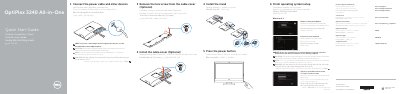
This quick start guide covers initial setup of the Dell OptiPlex 3240 All-in-One, including connecting power and devices, installing the optional cable cover and stand, pressing the power button, and completing operating system setup.
It also provides a labeled diagram of the computer's features and connectors, along with product support, manual, and regulatory information.
| DisplayPort connector | Present |
|---|---|
| HDMI-out connector | Present |
| USB 3.0 connectors | Present |
| USB 2.0 connectors | Present |
| Memory card reader | Present |
See the Owner's Manual at dell.com/support.
See the documentation that shipped with the wireless keyboard or mouse.
Follow the instructions on the screen to finish setup.