
Quick Start Guide for Dell Venue 8 tablet.
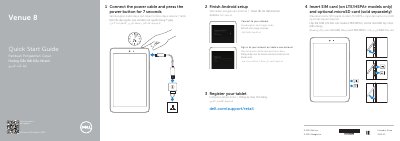
This Quick Start Guide covers the initial setup process for the Dell Venue 8 tablet. It includes instructions for inserting the SIM card and optional microSD card on supported LTE/HSPA+ models, connecting the power cable, and completing the Android setup wizard. The guide also directs users to register their tablet and connect to a network.
| Regulatory model | T02D |
|---|---|
| Regulatory type | T02D003, T02D004 |
| Tablet model | Venue 8 LTE/3840 |
| Supported network | LTE/HSPA+ |
Insert the SIM card on LTE/HSPA+ models only.
Connect the power cable and press the power button for 7 seconds.