
This document is a quick start guide for Dell computers, which introduces how to set up and use a Dell computer.
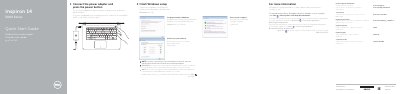
This guide helps you set up your Dell Inspiron 14-5452 laptop. Connect the power adapter and press the power button to start. Configure your Windows password and connect to your network, entering the wireless password if required. Learn about features by clicking Start → All Programs → Dell Help Documentation.
The guide includes a diagram of the laptop’s ports and controls, such as microphone, camera, HDMI, USB, and power buttons. It also explains shortcut keys for audio, brightness, and wireless toggles.
Connect the power adapter and press the power button.
Enter the password for the wireless network access when prompted.
The computer has 2 USB 2.0 ports.