
Dell Latitude 5290 Laptop Quick Start Guide
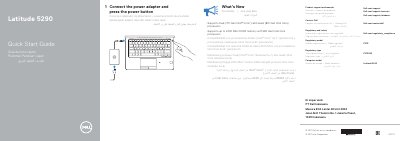
This quick start guide for the Dell Latitude 5290 laptop shows how to connect the power adapter and press the power button. It also lists product support and manual links, regulatory and safety information, and contact details for Dell.
The guide summarizes what is new, including support for Dual 7th Gen Intel Core and Quad 8th Gen Intel Core processors and up to 2400 MHz DDR4 memory with 8th Gen Intel Core processors. It also identifies the laptop's features and ports, such as the camera, micro-SIM card slot, USB 3.1 Gen 1 ports, HDMI port, and DisplayPort over USB Type-C.
| Processor support | Dual 7th Gen Intel Core and Quad 8th Gen Intel Core processors |
|---|---|
| Memory support | Up to 2400 MHz DDR4 memory with 8th Gen Intel Core processors |
It supports Dual 7th Gen Intel Core and Quad 8th Gen Intel Core processors.
It supports up to 2400 MHz DDR4 memory with 8th Gen Intel Core processors.
Dell lists product support at Dell.com/support and manuals at Dell.com/support/manuals.
Connect the power adapter and press the power button.