
The Dell Vostro 15 3000 Series Quick Start Guide explains how to connect the power adapter, turn on the power, locate Dell apps in Windows 8.1, use SupportAssist, register your computer, use Dell Backup and Recovery, and get Dell help and support.
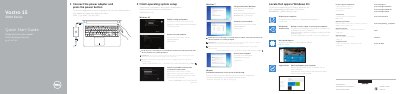
The Dell Vostro 15-3559 Quick Start Guide provides essential instructions for setting up the laptop, including connecting power, configuring the operating system, and connecting to a network.
It also includes a detailed map of the device's hardware features and a list of keyboard shortcut keys for controlling audio, brightness, and system functions.
Connect the power adapter and press the power button.
Enter the password for the wireless network access when prompted.