
The guide introduces how to use Samsung smartphones.
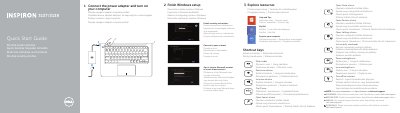
This Quick Start Guide is for the Dell Inspiron 3137/3138 computer. It was published by Dell Inc. in 2013 and is provided in several languages including English, Czech, Hungarian, Polish, and Slovak.
The guide walks through connecting the power adapter, finishing Windows setup, enabling security and updates, signing in to a Microsoft account, and connecting to a network. It also lists shortcut keys and identifies computer features such as the camera, USB ports, HDMI port, and power button.
| Computer model | Inspiron 3137/3138 |
|---|---|
| Regulatory model | P19T |
| Regulatory type | P19T001/P19T003 |
| USB 2.0 port | Included |
| USB 3.0 port | Included |
| HDMI port | Included |
The computer model is Inspiron 3137/3138.
Visit dell.com/support, dell.com/support/manuals, or dell.com/windows8.
Connect the power adapter and turn on your computer.