
OptiPlex 7050 Tower Quick Start Guide
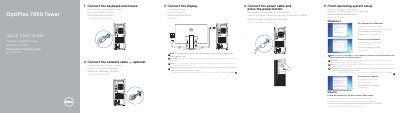
This Quick Start Guide covers initial setup for the Dell OptiPlex 7050 Tower desktop computer. It explains how to connect the keyboard, mouse, display, network cable, and power cable, then press the power button.
The guide also covers finishing operating system setup for Windows 7 or Ubuntu, setting a password, connecting to a network, and protecting the computer. Page 2 lists system features, ports, support websites, and regulatory information.
| Computer model | OptiPlex 7050 Tower |
|---|
Connect the display to the discrete graphics card.
Enter the password for the wireless network access when prompted.
Visit Dell.com/support and Dell.com/support/manuals.
The computer model is OptiPlex 7050 Tower.