
Dell Inspiron 15-5559 Laptop Quick Start Guide
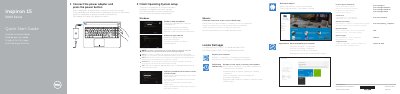
This quick start guide for the Dell Inspiron 15-5559 laptop shows initial setup steps: connect the power adapter, press the power button, finish operating system setup, and locate Dell apps. It also provides Dell support and manual links, registration information, and a labeled list of features and shortcut keys.
The guide includes Windows and Ubuntu setup notes and lists ports and components such as USB ports, HDMI port, media-card reader, optical drive, battery, and security-cable slot. It points to Dell.com/support for specifications.
Connect the power adapter and press the power button.
Dell lists Dell.com/support, Dell.com/support/manuals, Dell.com/support/windows, and Dell.com/support/linux.
It is in the battery bay.
Follow the instructions on the screen to finish setup.