
The Dell EMC PowerEdge R240 Getting Started Guide describes the features and characteristics of the product.
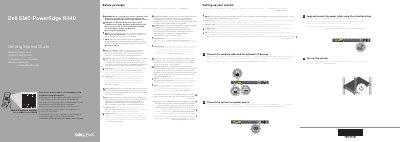
This document serves as a Getting Started Guide for the Dell PowerEdge R240 server. It outlines critical safety instructions and precautions that must be followed before setting up the system, specifically regarding safety information and the use of Extended Power Performance (EPP) compliant power supply units. Users are directed to the Safety, Environmental, and Regulatory Information document for detailed safety guidelines.
The guide provides step-by-step instructions for the initial setup process, which includes connecting network cables and optional I/O devices, connecting the system to a power source, securing the power cable using a retention strap, and turning on the system. It also directs users to a Quick Resource Locator for accessing documentation, videos, and troubleshooting information.
The documentation set for your system is available at Dell.com/poweredgemanuals.
You must use Extended Power Performance (EPP) compliant power supply units, indicated by the EPP label.
Information about supported operating systems can be found at Dell.com/ossupport.