
The Dell Latitude 7390 2-in-1 Quick Start Guide introduces the features and specifications of the product. The notebook supports Intel 7th and 8th Gen processors, optional Thunderbolt™ 3, and 2133 MHz 16 GB memory.
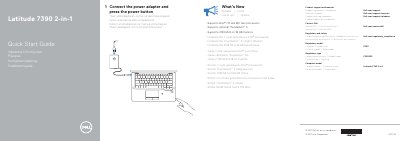
This quick start guide covers initial setup for the Dell Latitude 7390 2-in-1. It instructs users to connect the power adapter and press the power button.
The guide lists product features and supported hardware, including Intel 7th and 8th Gen processors, optional Thunderbolt 3, and 2133 MHz memory on 16 GB. It also provides regulatory model and type information.
| Supported processors | Intel 7th and 8th Gen processors |
|---|---|
| Thunderbolt 3 | Optional |
| Memory support | 2133 MHz on 16 GB |
Connect the power adapter and press the power button.
It supports Intel 7th and 8th Gen processors.
Thunderbolt 3 is optional.
It supports 2133 MHz on 16 GB memory.