
The Dell Latitude 3590 Quick Start Guide provides information on how to use the Dell Latitude 3590 laptop.
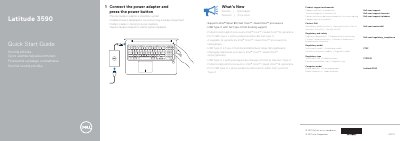
This two-page quick start guide covers the Dell Latitude 3590 computer. It shows how to connect the power adapter and press the power button, lists Dell support, manuals and regulatory compliance web addresses, and gives the regulatory model P75F and regulatory type P75F001.
The guide also outlines what is new on the system, including support for Intel 8th Gen Core i Quad Core processors and USB Type-C with full Type-C Dell docking support, and provides a numbered illustration of the computer's features such as the camera, microphones, power button, VGA, USB 2.0, USB 3.1 Gen 1, network and HDMI ports, SD and micro-SIM slots, fingerprint reader, touchpad and service tag label. The text is repeated in Czech, Hungarian, Polish and Slovak alongside English.
| Processor support | Intel latest 8th Gen Core i Quad Core processors |
|---|---|
| USB Type-C | USB Type-C with full Type-C Dell docking support |
| USB port | USB 3.1 Gen 1 port with PowerShare |
| Video port | HDMI port; VGA port |
| Card slots | SD card slot; micro-SIM card slot (optional) |
Connect the power adapter and press the power button.
Dell points to Dell.com/support for product support and Dell.com/support/manuals for manuals.
Yes, it offers USB Type-C with full Type-C Dell docking support.