
The Dell Vostro 5370 Quick Start Guide provides instructions on how to use the Dell Vostro 5370 laptop.
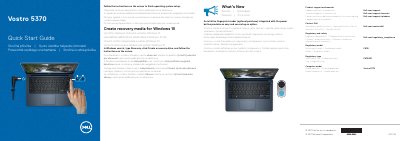
This guide helps you quickly set up your Dell Vostro 5370 laptop. Follow on-screen instructions to complete Windows 10 setup. The device includes features like a fingerprint reader (optional), USB 3.1 ports, HDMI, and a touchpad.
The guide also covers creating recovery media for Windows 10 and provides a list of ports and components including speakers, camera, and service tag label.
It provides an easy and secure log on option.
In Windows search, type Recovery, click Create a recovery drive, and follow the instructions on the screen.
It is a USB 3.1 Gen 1 (Type-C) port with Power Delivery/DisplayPort.