
The Dell Inspiron 15-660s laptop features an Intel Core i7 processor, a 15.6-inch HD display, 8GB of memory, a 1TB hard drive, and NVIDIA GeForce GT 630M graphics.
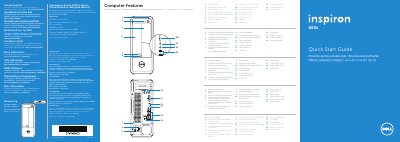
This Dell Inspiron 660s Quick Start Guide is a brief multilingual setup document for the computer. It lists the computer features and ports, then shows how to connect the keyboard and mouse, optional network cable, display, and power cable.
The guide also covers completing Windows setup, enabling security, and getting started with Windows 8. It includes contact and regulatory information, with the computer model listed as Inspiron 660s, regulatory model D06S, and type D06S001.
| Computer model | Inspiron 660s |
|---|---|
| Regulatory model | D06S |
| Regulatory type | D06S001 |
| Input voltage | 100–127 V CA/200–240 V CA |
| Input frequency | 50 Hz/60 Hz |
| Input current | 6 A/3 A |
| Media-card reader | 8-in-1 |
| USB 2.0 ports | 2 |
| USB 3.0 ports | 2 |
It identifies the computer model as Inspiron 660s.
Connect the keyboard and mouse.
No, the guide lists the network cable connection as optional.
Connect the display to the connector on the discrete graphics card.