
Dell Latitude 14 7000 Series Notebook Quick Start Guide
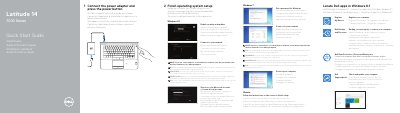
This quick start guide for the Dell Latitude 14 7000 Series notebook (computer model Latitude 14-7470/E7470) covers the first steps: connecting the power adapter, pressing the power button, and finishing operating system setup for Windows 8.1, Windows 7, or Ubuntu. It also describes the Dell apps in Windows 8.1, including Register My Device, Dell Backup and Recovery, Dell Data Protection | Protected Workspace, and Dell SupportAssist.
The guide includes a labeled diagram of the notebook's features, such as the network, HDMI, and Mini DisplayPort connectors, USB 3.0 connectors, microphones, camera, power button, optional SIM port and smart-card reader, fingerprint reader, status lights, touchpad, and service-tag label. It ends with Dell support and contact links and regulatory and safety information, and it is printed in English, Dutch, French, German, and Italian.
| Computer model | Latitude 14-7470/E7470 |
|---|---|
| Regulatory model | P61G |
| Regulatory type | P61G001 |
| USB connectors | USB 3.0 connectors (2) |
| Video connectors | HDMI connector, Mini DisplayPort |
| Optional port | SIM port (optional) |
| Security | Security-cable slot |
Connect the power adapter and press the power button.
Dell lists Dell.com/support and Dell.com/support/manuals.
Enter the password for the wireless network access when prompted.
The computer model is Latitude 14-7470/E7470.