
The Dell WB7022 webcam is a 4K webcam with features including autofocus, 5x digital zoom, and 60fps full HD video.
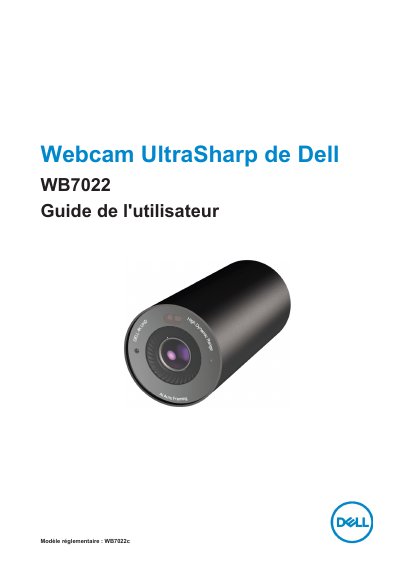
The Dell UltraSharp WB7022 is a webcam with 4K video at 30 fps and Full HD video at 60 fps, AI auto framing, 5x digital zoom, an adjustable field of view with autofocus, HDR, and video noise reduction. It also lists Walk Away Lock, Wake on Approach, and Windows Hello support, with further customization through Dell Peripheral Manager.
This user guide shows the box contents and camera views, then explains how to mount the webcam on a monitor or on a tripod. It covers features, Dell Peripheral Manager, troubleshooting for 4K selection, flicker, proximity detection and other issues, plus legal information and how to obtain help. This manual is written in French.
| Video resolution | 4K at 30 fps and Full HD at 60 fps |
|---|---|
| Digital zoom | 5x |
| Field of view | Adjustable with autofocus |
| HDR and video noise reduction | Supported |
| Cable | USB-C to USB-A, USB 3.1 Gen 1, 2 m |
| Image sensor | 4K Sony STARVIS large sensor |
| Warranty | 3-year limited hardware warranty |
It supports 4K video at 30 fps and Full HD video at 60 fps.
Make sure the webcam cable is fully inserted into the webcam's USB-C port and that the webcam is connected to a USB 3.0 port on your computer, since only these ports can support 4K video.
The webcam does not support 60 fps at 4K; auto framing stops at 60 fps to avoid resolution drops and is supported only at 24 or 30 fps.
It is not supported on non-Dell computers; on Dell computers, update the BIOS and drivers to the latest version from Dell support.