
Dell OptiPlex 210L Desktop User's Guide

Dell™ OptiPlex™ 210L Desktop User's Guide.
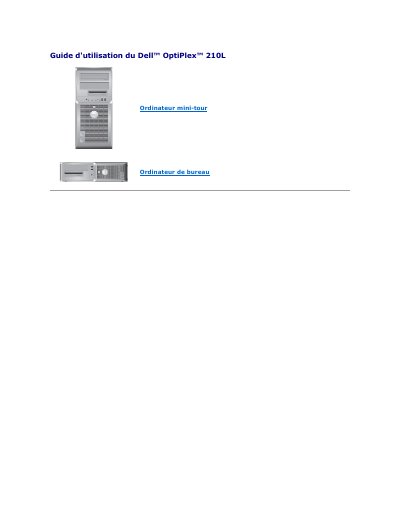

Dell OptiPlex 210L Desktop User's Guide - cover page
Brand
DELL
Category
Desktops
Document type
User Manual
Language
French
Pages
158
File format
PDF
File size
3.8 MB
Published
25 November, 2023
Updated
25 November, 2023
MD5 checksum
65B8B256E39EADB259F11E43D432227C

About this manual

This is the user guide for the Dell OptiPlex 210L mini-tower desktop computer. It describes advanced functions such as LegacySelect control and Dell OpenManage IT Assistant management features, plus related hardware configuration and management tools.

The guide covers system configuration, device management, resource control, system and administrator passwords, security locks, booting from a USB device, clearing forgotten passwords and CMOS settings, Hyper-Threading, and power management. This manual is written in French.

What's inside

  • Contrôle par technologie LegacySelect
  • Facilité de gestion Dell OpenManage IT Assistant
  • Sécurité
  • Protection par mot de passe
  • Programme de configuration du système
  • Amorçage à partir d'un périphérique USB
  • Effacement des mots de passe oubliés
  • Effacement des paramètres CMOS
  • Hyper-Threading
  • Gestion de l'alimentation

Specifications

System password maximum length32 characters
Supported management standardsSNMP, DMI, CIM
Disableable connectors and devicesserial and USB connectors, parallel connector

Frequently asked questions

How many characters can a system password contain?

Up to 32 characters.

What happens after three incorrect system password attempts?

The system halts and must be powered down.

Can the administrator password be used instead of the system password?

Yes, the administrator password can be used instead of the system password.

Which standards does Dell OpenManage Client Instrumentation support?

SNMP, DMI, and CIM.

Download PDF (3.8 MB)

More DELL Manuals


View all DELL manuals →