
The Dell Latitude 14 7000 Series Notebook Quick Start Guide provides information on how to set up and use your new computer.
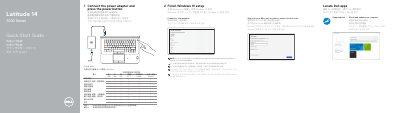
The Dell Latitude 14 7000 Series Quick Start Guide is a two-page multilingual guide for the Latitude 14-7470/E7470 notebook. It lists steps to connect the power adapter and press the power button, finish Windows 10 setup, connect to a network, and sign in with a Microsoft account or create a local account. It also points users to Dell apps such as SupportAssist.
The guide includes a numbered features list for ports, connectors, indicators, optional smart-card and fingerprint readers, and other notebook parts. It ends with Dell support and contact links, regulatory and safety information, a Taiwan RoHS table, and rated electrical input details. This manual is written in Chinese.
| Rated voltage | 100–240 V AC |
|---|---|
| Rated frequency | 50/60 Hz |
| Rated input current | 1.7 A (65 W) / 2.5 A (90 W) |
Connect the power adapter and press the power button.
Enter the password for the wireless network access when prompted.
SupportAssist checks and updates your computer.
The guide lists the Latitude 14-7470/E7470.