
Inspiron 15 7000 Series Quick Start Guide
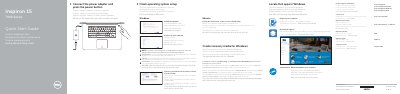
The Dell Inspiron 15 7000 Series Quick Start Guide provides essential instructions for setting up the computer, including connecting power, configuring the operating system, and connecting to a network.
It includes a detailed map of the device's hardware features, such as ports and status lights, as well as a reference for keyboard shortcut keys for audio, display, and system control.
| Computer model | Inspiron 7548 |
|---|---|
| Regulatory model | P41F |
| Regulatory type | P41F001 |
In Windows search, type Recovery, click Create a recovery media, and follow the on-screen instructions.
Enter the password for the wireless network access when prompted.