
The Dell PowerEdge R910 is an easy-to-deploy, manage, and maintain server. It is designed to help customers save time and money, and to focus on what matters most: their people and business.
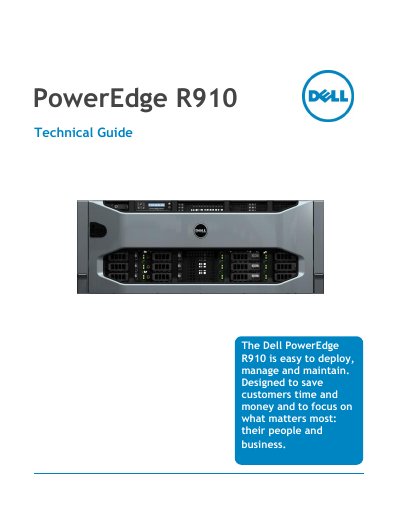
The Dell PowerEdge R910 is a scalable 4U, four-socket server designed for high performance and reliability, making it suitable for virtualization environments and large workload consolidation. It features Intel Advanced RAS Technology and internal dual SD modules for hypervisor redundancy to minimize downtime for mission-critical workloads.
The server is built for efficiency in memory, I/O, and energy consumption, leveraging Energy Smart technologies for power capping and budgeting. It includes integrated hardware intelligence via the Lifecycle Controller and Unified Server Configurator to simplify system deployment, updates, and diagnostics.
| Form Factor | 4U |
|---|---|
| Processor Sockets | 4 |
| Supported Processors | Intel Xeon E7-4800, E7-8800, or Intel Xeon 7500 series |
| Maximum Memory | Up to 2 TB DDR3 |
| Hard Drive Bays | 16 x 2.5" Hot-plug |
The internal dual (redundant) SD module is used to provide failover for the hypervisor.
It simplifies administrator tasks by performing provisioning functions like system deployment, updates, hardware configuration, and diagnostics in a pre-OS environment.