
The Dell DL4000 Appliance Deployment Guide describes how to set up and use the Dell DL4000 appliance.
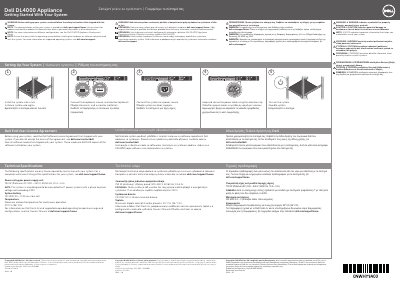
This guide helps you set up the Dell DL4000 Appliance. Read the safety instructions before setup, install the system into a rack, connect the keyboard, mouse, and optional monitor, connect the power source, secure the power cable with the retention clip, and turn on the system.
The documentation set is available at dell.com/support/home. Install the operating system before adding hardware or software not purchased with the system. Technical specifications include a 750 W Platinum power supply, a CR 2032 lithium coin cell battery, and a maximum ambient temperature for continuous operation of 20°C/h (36° F/h).
| Power rating per power supply unit | 750 W (Platinum) AC (100 – 240 V, 50/60 Hz, 10 A – 5 A) |
|---|---|
| System battery | CR 2032 3.0 – V lithium coin cell |
| Maximum ambient temperature for continuous operation | 20°C/h (36° F/h) |
It is available at dell.com/support/home.
Install the operating system first.
750 W (Platinum) AC (100 – 240 V, 50/60 Hz, 10 A – 5 A).
CR 2032 3.0 V lithium coin cell.