
The Dell™ 5130cdn Color Laser Printer User's Guide introduces the features and characteristics of the printer.
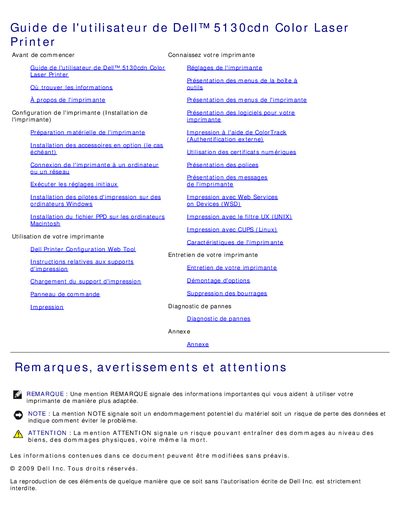
The Dell 5130cdn Color Laser Printer User's Guide explains initial printer setup, optional accessory installation, and connection to a computer or network. It also describes installing print drivers on Windows and Macintosh computers and using the Dell Printer Configuration Web Tool.
The guide covers print media handling, the control panel, printing, printer menus and software, maintenance, removing options, clearing jams, and troubleshooting. It includes notes on ordering supplies and finding the service tag. This manual is written in French.
| Maximum trays | Up to 6 trays |
|---|---|
| Optional 550-sheet feeder | Available as an option |
| Optional 1100-sheet feeder | Available as an option |
| Ethernet port | Present |
| USB port | Present |
| Parallel port | Present |
| Wireless adapter connector | Present |
| Security lock | Optional Kensington lock |
| Optional output tray | Available as an option |
The printer can accept up to 6 trays.
Yes, the rear panel includes Ethernet, wireless adapter, and USB connections.
You can order toner through Dell's printer supplies website at www.dell.com/supplies or the Dell Printer Configuration Web Tool.
The service tag is located inside the front cover and on the rear cover of the printer.