
The Dell Latitude 5580 Quick Start Guide provides instructions on how to connect the power adapter, finish operating system setup, and connect to a network.
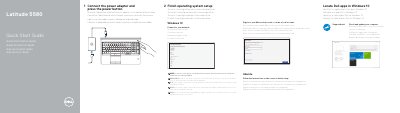
The Dell Latitude 5580 Quick Start Guide provides initial setup instructions for the Dell Latitude 5580 laptop. It covers connecting the power adapter, pressing the power button, and completing operating system setup for Windows 10 or Ubuntu.
The guide also explains how to connect to a network, sign in to a Microsoft account or create a local account, locate Dell apps, and use SupportAssist to check for updates. A features list identifies ports and components such as the network port, HDMI port, USB 3.0 ports, VGA port, and DisplayPort over Type-C connector.
| Network port | Included |
|---|---|
| HDMI port | Included |
| USB 3.0 port | Included |
| VGA port | Included |
| Infrared (IR) camera | Optional |
| Smart card reader | Optional |
| SD Card reader | Included |
| DisplayPort over Type-C connector | Optional Thunderbolt 3 |
Connect the power adapter and press the power button.
Go to Dell.com/support and Dell.com/support/manuals.
The computer model is Latitude 15-5580.