
The Dell DL4000 Appliance Deployment Guide describes how to set up and use the Dell DL4000 Appliance.
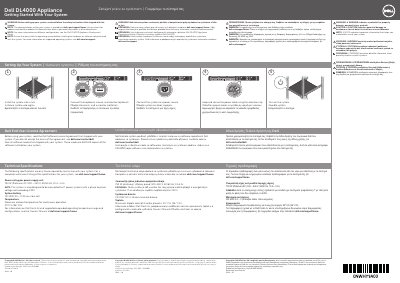
This guide provides initial setup instructions for the Dell DL4000 Appliance, covering rack installation, connecting a keyboard, mouse, and monitor, connecting to a power source, securing the power cable, and turning on the system.
It also includes the Dell End User License Agreement notice and legal technical specifications, such as the 750 W platinum power supply, CR 2032 system battery, and maximum ambient operating temperature.
| Power rating per power supply unit | 750 W (Platinum) AC (100 – 240 V, 50/60 Hz, 10 A – 5 A) |
|---|---|
| System battery | CR 2032 3.0 V lithium coin cell |
| Maximum ambient temperature for continuous operation | 20°C/h (36° F/h) |
| Regulatory model/type | E16S Series/E16S001 |
750 W (Platinum) AC (100 – 240 V, 50/60 Hz, 10 A – 5 A).
CR 2032 3.0 V lithium coin cell.
20°C/h (36° F/h).
The operating system should be installed first.