
Dell EMC PowerEdge R240 Getting Started Guide introduces the features and characteristics of the product.
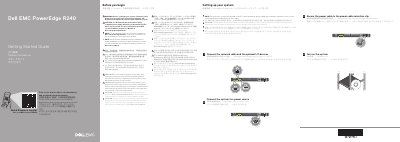
This guide helps you safely set up your Dell PowerEdge R240 server. It covers safety precautions, power requirements, and OS installation steps. You must install the operating system before adding any third-party hardware or software. The guide also includes instructions for connecting network cables and I/O devices, securing the system in a rack, and accessing additional resources via Dell.com/poweredgemanuals.
Technical specifications are provided for legal compliance only; for full specs, visit Dell.com/poweredgemanuals. The system requires EPP-compliant power supplies and operates within a maximum ambient temperature of 35°C/95°F.
| Power Supply Wattage (100–240 V) | 450 W |
|---|---|
| System Battery | 3 V CR2032 lithium coin cell |
| Maximum Ambient Temperature | 35°C/95°F |
Use an Extended Power Performance (EPP) compliant power supply unit (PSU), indicated by the EPP label.
Yes, ensure the operating system is installed before installing any third-party hardware or software.
The full specifications are available at Dell.com/poweredgemanuals.