
Dell 3333dn and 3335dn Laser MFP User Guide

User Guide for Dell 3333dn and 3335dn Laser MFP.
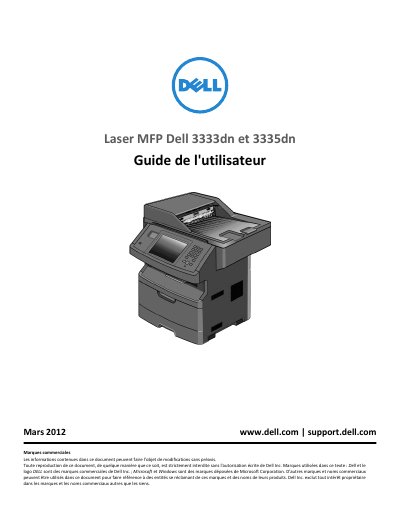

Dell 3333dn and 3335dn Laser MFP User Guide - cover page
Brand
DELL
Category
Printer
Document type
User Manual
Language
French
Pages
309
File format
PDF
File size
4 MB
Published
25 November, 2023
Updated
25 November, 2023
MD5 checksum
22FCF034D51B0F4388C52381500B1E82

About this manual

This guide provides step-by-step instructions for setting up and using the Dell 3333dn and 3335dn laser multifunction printers. It covers installation, configuration, printing, copying, scanning, and faxing functions. The guide also includes information on network setup, paper handling, and troubleshooting.

The manual is written in French and includes detailed sections on configuring the printer for different environments, managing print jobs, using the touchscreen interface, and customizing settings for optimal performance.

What's inside

  • Safety Instructions
  • Printer Overview
  • Installation of Internal Options
  • Network Configuration
  • Printing
  • Copying
  • Scanning
  • Faxing
  • Email Sending
  • FTP Scanning

Frequently asked questions

What Dell laser multifunction printer models does this guide cover?

It covers the Dell 3333dn and 3335dn laser MFPs.

What is one scanning destination described in the manual?

An FTP address.

What other scanning destinations are described?

A computer or a flash drive.

What paper handling topic is covered?

Loading paper and special media.

Download PDF (4 MB)

More DELL Manuals


View all DELL manuals →