
The Latitude 3380 Quick Start Guide provides instructions on how to set up and use the Latitude 3380 laptop.
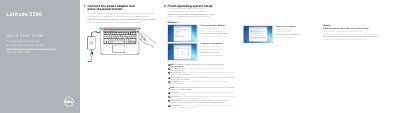
This two-page guide provides quick start instructions for the Dell Latitude 3380 laptop. It lists steps for connecting the power adapter, finishing operating system setup, setting a Windows password, connecting to a network, and protecting the computer.
The guide also includes a labeled features list for the laptop and support and regulatory contact information. The text is presented in multiple languages.
| USB ports | USB 3.0 ports |
|---|---|
| HDMI port | HDMI port |
| Card reader | microSD card reader |
| Lock slot | Noble Wedge lock slot |
| Network port | Network port |
| Power connector | Power port connector |
| Audio port | Universal audio port |
If the network is secured, enter the wireless network password when prompted.
Follow the instructions on the screen to finish setup.
See the Owner’s Manual at Dell.com/support.
Connect the power adapter and press the power button.