
The Dell Latitude 5580 Quick Start Guide provides information on how to set up and use the Dell Latitude 5580 laptop.
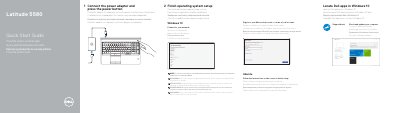
This quick start guide describes initial setup steps for the Dell Latitude 5580, including connecting the power adapter, finishing operating system setup, connecting to a network, signing in to a Microsoft account or creating a local account, and locating Dell apps. It also notes Ubuntu setup instructions and SupportAssist checks.
The guide includes a numbered features list for ports and components, plus product support, manuals, regulatory, and safety information. It identifies regulatory model P60F and regulatory type P60F001.
| Infrared (IR) camera | optional |
|---|---|
| Camera | optional |
| uSIM card slot | optional |
| Touch Fingerprint reader | optional |
| Smart card reader | optional |
| Pointstick | optional |
| Thunderbolt 3 | optional |
Connect the power adapter and press the power button.
Enter the password for the wireless network access when prompted.
Follow the instructions on the screen to finish setup.
Visit Dell.com/support and Dell.com/support/manuals.