
The Dell Latitude 5280 Quick Start Guide provides instructions on how to connect the power adapter, finish operating system setup, connect to a network, and sign in to your Microsoft account or create a local account.
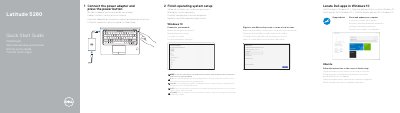
This quick start guide for the Dell Latitude 5280 explains how to connect the power adapter, start the computer, and complete operating system setup for Windows 10 or Ubuntu. It also identifies the laptop's ports, slots, camera, microphones, speakers, touchpad, and optional features.
The guide includes product support and manual links, contact information, and regulatory details such as regulatory model P72S, regulatory type P72S001, and computer model Latitude 12-5280.
| Regulatory model | P72S |
|---|---|
| Regulatory type | P72S001 |
| Computer model | Latitude 12-5280 |
| USB ports | USB 3.0 port with PowerShare; USB 3.0 port |
| Optional features | Infrared camera, infrared emitter, camera, uSIM card slot, fingerprint reader, smart card reader |
| Card readers | uSD card reader; smart card reader (optional) |
For Windows 10, connect to your network, sign in to or create an account, locate Dell apps, and use SupportAssist to check and update the computer; for Ubuntu, follow the on-screen instructions.
The guide points to Dell.com/support, Dell.com/support/manuals, and Dell.com/support/windows.
The regulatory model is P72S.
The regulatory type is P72S001.