
The Dell Latitude 3380 Quick Start Guide provides instructions on how to connect the power adapter, set up the operating system, connect to a network, and install a SIM card.
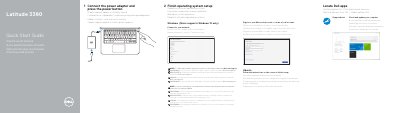
This Quick Start Guide for the Dell Latitude 3380 computer explains how to connect the power adapter, press the power button, complete operating system setup for Windows 10 or Ubuntu, connect to a network, and sign in to a Microsoft account.
It also lists the computer's features, including USB 3.0 ports, an HDMI port, a network port, a microSD card reader, and a Noble Wedge lock slot, and provides Dell support contacts and regulatory information.
| Operating system support | Windows 10 only |
|---|---|
| USB 3.0 port with PowerShare | Included |
| Noble Wedge lock slot | Included |
| microSD card reader | Included |
They are in the Owner’s Manual at Dell.com/support.
Connect the power adapter and press the power button.