
The Dell Wyse PCoIP Zero Client Wyse 7030 Quick Start Guide provides information on how to set up and use the Dell Wyse PCoIP Zero Client Wyse 7030.
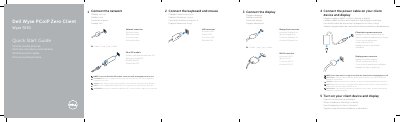
This quick start guide describes how to set up the Dell Wyse 7030 PCoIP zero client. It shows how to connect the keyboard and mouse, network, display, and power cables, and how to turn on the client device and display.
The guide also lists the front and rear features of the zero client, including the PCoIP LED, power button, USB 2.0 ports, audio jacks, network port, DisplayPort and DVI-D ports, power input, and vertical stand. Regulatory models 292D (DVI port) and 292E (DisplayPort) are listed.
| USB ports | USB 2.0 port (2x) on each side |
|---|---|
| Network port | 10/100/1000 Base-T, or SFP/Mini-GBIC slot |
| Display outputs | DisplayPort (4x)/DVI-D port (4x) |
| Audio outputs | Headphone out jack, microphone in jack, line out/speaker out |
| Power input | +12V DC power adapter input |
| Regulatory model (DVI) | 292D |
| Regulatory model (DisplayPort) | 292E |
The client device is ready to use when the client device activity light goes off.
Rotate the latch and unplug the Fibre SFP module from its slot.
It has a 10/100/1000 Base-T network port or an SFP/Mini-GBIC slot, and the network connection can also be made with a Fibre SFP module.
Support and manuals are available at dell.com/support and dell.com/support/manuals.