
Dell Display Manager is a Windows application used to manage a monitor or a group of monitors.
Dell Display Manager is a Windows application designed to manage one or multiple monitors. It enables manual image adjustments, automatic setting assignments, energy management, window organization, and image rotation for select Dell models. Once installed, the application runs at system startup and displays monitor information in the notification tray.
It is a Windows application used to manage a monitor or a group of monitors.
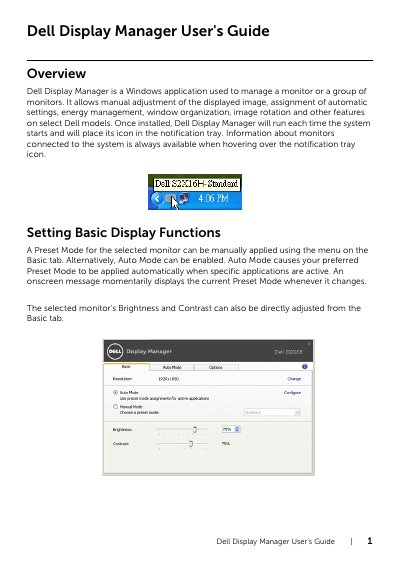
Auto Mode applies a preferred Preset Mode automatically when specific applications are active.
On supported Dell models, the monitor's Brightness can be set to minimum level or the monitor can be put to sleep.
Yes, the Preset Mode assigned to an application may be the same on each connected monitor or vary from one monitor to the next.