
Quick Start Guide for Dell Latitude 5175/5179.
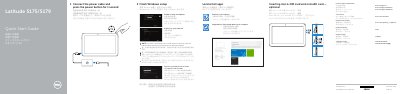
This Quick Start Guide for the Dell Latitude 5175/5179 explains how to connect the power cable, turn on the computer, and complete initial Windows setup. It also lists product support contacts, regulatory information, and the computer and regulatory model numbers.
The guide covers enabling security and updates, connecting to a network, signing in to a Microsoft account, locating Dell apps, registering the computer, and inserting optional micro-SIM and microSD cards. A features diagram identifies buttons, ports, cameras, and slots, including model-specific items such as the NFC sensor, fingerprint reader, and smart-card reader.
Connect the power cable and press the power button for 1 second.
The NFC-sensor area is included on the Latitude 5175 only.
Dell provides product support and manuals through its support website.