
The Dell™ OptiPlex™ 755 User's Guide introduces the features and functionality of the Dell™ OptiPlex™ 755.
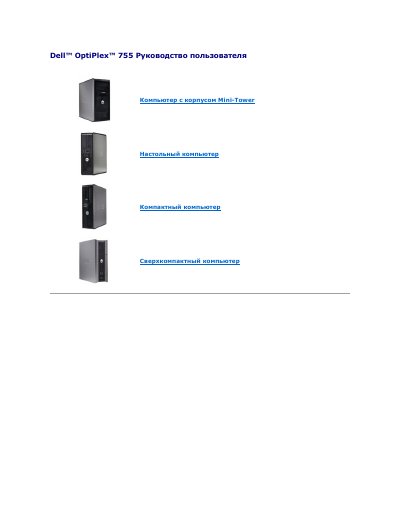
This guide provides instructions for configuring and managing the Dell OptiPlex 755 desktop computer. It covers system settings, security features, hardware management, BIOS configuration, and RAID setup. The guide also explains management technologies like LegacySelect, DASH, and Intel Active Management Technology (iAMT) for remote control and monitoring.
The manual includes troubleshooting tips, jumper settings, and procedures for resetting BIOS or managing passwords. It is intended for users and administrators who need to configure or maintain the system, including remote management and physical security features. This manual is written in Russian.
Press during boot to enter the MEBx setup utility. The default password is 'admin'. LegacySelect allows administrators to remotely enable or disable legacy ports and devices, including serial ports, USB ports, parallel ports, floppy drives, PCI slots, and PS/2 mice. The SERVICE_MODE jumper must not be installed; otherwise, AMT will not function correctly. It is only installed during manufacturing.What is the purpose of LegacySelect?
What does the SERVICE_MODE jumper do?