
The Dell™ OptiPlex™ 755 User's Guide describes the features and functionality of the Dell™ OptiPlex™ 755 computer.
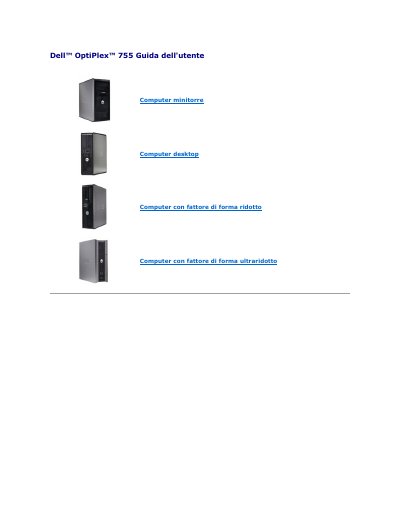
This guide is for the Dell OptiPlex 755 in minitower, desktop, small form factor, and ultra-small form factor versions. It covers advanced features such as LegacySelect, DASH, Intel Active Management Technology, Alert Standard Format, and Dell OpenManage.
It also describes physical security, Trusted Platform Module, password protection, smart cards and fingerprint readers, system installation, USB boot, jumper settings, password and CMOS clearing, Hyper-Threading and Multi-Core, power management for Windows XP and Windows Vista, and RAID configurations. This manual is written in Italian.
| Form factors | Minitower, desktop, small form factor, ultra-small form factor |
|---|---|
| ASF support | Versions 1.03 and 2.0 |
| USB provisioning file system | FAT16 |
| Default MEBx password | admin |
Press Ctrl-P during the system startup process.
The default MEBx password is admin.
In MEBx, select None under Manageability Feature Selection, return to the previous menu, and the computer restarts.
The USB key must use the FAT16 file system and contain only the setup.bin file.