
Dell Latitude 5175/5179 Laptop Quick Start Guide
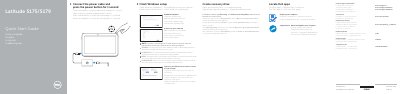
This Dell Latitude 5175/5179 Quick Start Guide helps users set up the computer by connecting the power cable, pressing the power button, enabling Dell updates, and connecting to a network. It also covers signing in to a Microsoft account, locating Dell apps, creating a recovery drive, and finishing Windows setup.
The guide includes a labeled diagram of the laptop’s features, such as the power button, cameras, USB ports, micro-HDMI port, headset port, and card slots. It also provides optional steps for inserting a micro-SIM card and microSD card.
| USB 3.0 port | Included |
|---|---|
| Smart-card reader | Latitude 5179 only |
Connect the power cable and press the power button for 1 second.
In Windows search, type Recovery, click Create a recovery drive, and follow the instructions on the screen.
This guide covers the Dell Latitude 5175/5179.