
Dell UltraSharp monitors feature DisplayPort 1.2 technology with support for up to 21.6 Gbps of bandwidth.
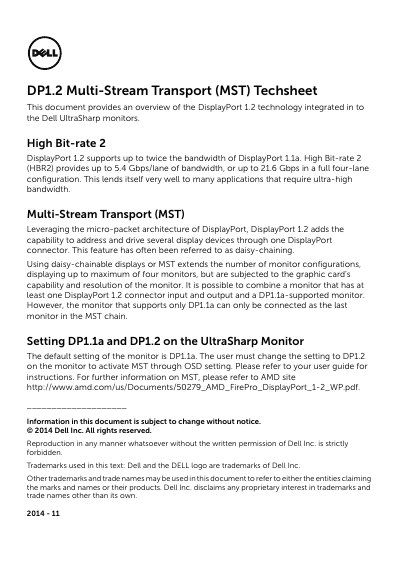
This Dell UltraSharp monitor techsheet describes DisplayPort 1.2 features, including High Bit-rate 2 bandwidth and Multi-Stream Transport. It explains that MST can display up to a maximum of four monitors, subject to graphics card capability and monitor resolution.
The document also states that the monitor default is DP1.1a and that the user must change the setting to DP1.2 through the OSD to activate MST. It notes that a DP1.1a-only monitor can be connected only as the last monitor in an MST chain.
| HBR2 bandwidth per lane | Up to 5.4 Gbps/lane |
|---|---|
| HBR2 bandwidth, four lanes | Up to 21.6 Gbps |
| Maximum monitors with MST | Up to four monitors |
| Default DisplayPort setting | DP1.1a |
MST can display up to a maximum of four monitors, subject to the graphics card capability and monitor resolution.
The default setting is DP1.1a, and the user must change the setting to DP1.2 through the OSD to activate MST.
A monitor that supports only DP1.1a can be connected only as the last monitor in the MST chain.