
Dell Latitude 5175/5179 Laptop Quick Start Guide
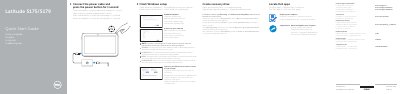
This quick start guide helps users set up the Dell Latitude 5175/5179 laptop. It explains connecting the power cable, pressing the power button, connecting to a network, signing in to a Microsoft account or creating a local account, finding Dell apps, creating a recovery drive, and completing Windows setup.
A numbered diagram identifies laptop features such as the power button, cameras, microphones, ports, card slots, and docking connector. Notes indicate that the NFC sensor area applies to the Latitude 5175 only, while the fingerprint reader and smart-card reader apply to the Latitude 5179 only.
Connect the power cable and press the power button for 1 second.
In Windows search, type Recovery, click Create a recovery drive, and follow the instructions on the screen.
Yes, the fingerprint reader is listed for the Latitude 5179 only.