
Describes the features and characteristics of the Dell Latitude 5175/5179.
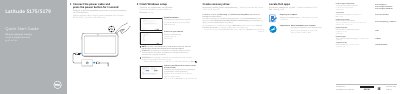
Dell Latitude 5175/5179 Quick Start Guide provides initial setup steps, including connecting power, finishing Windows setup, enabling Dell updates, connecting to a network, and creating a recovery drive. It also describes optional insertion of a micro-SIM card and microSD card and identifies the computer's external features.
The guide includes SupportAssist and registration information, product support and manual links, and regulatory details. Feature callouts identify ports and controls such as USB 3.0, micro-HDMI, headset, volume buttons, cameras, microphones, docking connector, and card slots, with some items specific to Latitude 5175 or Latitude 5179.
Connect the power cable and press the power button for 1 second.
In Windows search, type Recovery, click Create a recovery drive, and follow the instructions on the screen.
The features list includes a fingerprint reader for Latitude 5179 only.
Enter the password for the wireless network access when prompted.