
Dell Latitude 5175/5179 laptop quick start guide
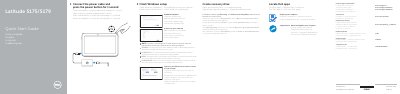
The Dell Latitude 5175/5179 Quick Start Guide provides essential instructions for setting up the device, including powering on, connecting to a network, and completing the Windows setup process.
It includes a detailed hardware map identifying ports and buttons, such as USB-C, Micro-HDMI, and model-specific features like the fingerprint reader on the Latitude 5179.
Connect the power cable and press the power button for 1 second.
In Windows search, type Recovery, click Create a recovery drive, and follow the on-screen instructions.