
The Dell Precision Mobile Workstation 5000 Series Quick Start Guide provides information on how to set up and use the Dell Precision Mobile Workstation 5000 Series laptop.
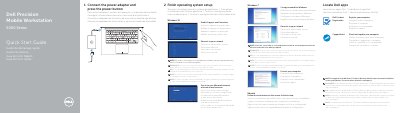
This quick start guide helps set up a Dell Precision 5510 mobile workstation. It outlines connecting the power adapter, completing operating system setup, connecting to a network, protecting the computer, and locating Dell apps.
The guide also identifies workstation features such as USB 3.0 connectors with PowerShare, Thunderbolt 3, HDMI, memory-card reader, camera, speakers, and service tag label, and lists Dell support, manuals, and regulatory information.
| Regulatory model | P56F |
|---|---|
| Regulatory type | P56F001 |
| Computer model | Dell Precision 5510 |
Dell product support and manuals are available at Dell.com/support and Dell.com/support/manuals.
A manual installation of the system drivers is required, and the latest drivers are available at dell.com/support.
Enter the password for the wireless network access when prompted.