
M5200 Quick Reference Guide, introduces the features and characteristics of the M5200 printer.
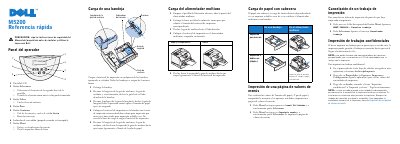
This Spanish-language quick reference guide describes the Dell M5200 printer operator panel buttons and indicators, and explains how to load paper into standard and optional trays and the multipurpose feeder.
It also covers printing menu values, canceling print jobs, printing confidential jobs with a four-digit PIN, accessing paper jam areas, and lists common printer messages and operator panel menus. This manual is written in Spanish.
Pull out the tray, set the width and length guides, load the paper with the recommended print side down for single-sided printing or up for duplex printing, and slide the width guide to lightly touch the paper stack.
Enter the four-digit PIN on the operator panel, then select Print job to send the confidential job to the printer.
It exits the menus, returns the printer to the Ready state, and clears messages.