
The Dell Precision 5520 Quick Start Guide provides information on how to use the Dell Precision 5520 laptop.
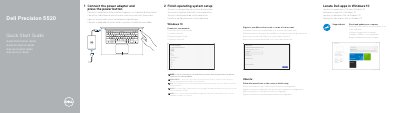
This guide helps you power on and set up your Dell Precision 5520. Connect the power adapter, then follow on-screen instructions to complete OS setup. Connect to your network and sign in to your Microsoft account or create a local account. The laptop features USB 3.0 with PowerShare, Thunderbolt™ 3, HDMI, and a touchpad.
The device includes a Kensington security slot, battery status indicators, camera, speakers, microphone, and service tag label for support.
| Computer Model | Dell Precision 5520 |
|---|---|
| Regulatory Model | P56F |
| Regulatory Type | P56F001 |
Connect to your network by following on-screen instructions after powering on the device.
Sign in to your Microsoft account or create a local account during setup.