
Inspiron 24 3000 Series Desktop User's Guide.
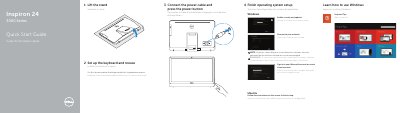
This Dell Quick Start Guide helps set up the Inspiron 24-3455 desktop. It covers connecting the keyboard and mouse, plugging in the power cable, and pressing the power button.
The guide also explains finishing Windows setup, enabling security and updates, connecting to a network, and signing in to a Microsoft account or creating a local account.
| USB 3.0 ports | 2 |
|---|---|
| USB 2.0 ports | 2 |
| Brightness control buttons | 2 |
| Optical drive | optional |
Follow the instructions on the screen to finish setup.
Enter the password for the wireless network access when prompted.
See the documentation that shipped with the keyboard and mouse.