
The Sony speaker system user manual introduces the features and使用方法 of the speaker system.
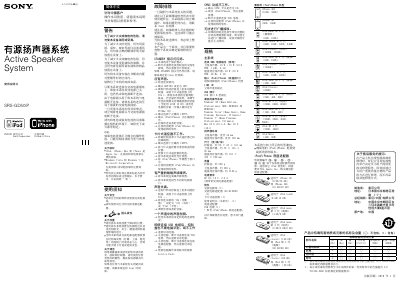
This document is the Chinese-language user manual for the Sony SRS-GD50iP active speaker system. It includes warnings, usage notes, safety, placement, and cleaning information.
It also provides troubleshooting guidance, compatible iPod/iPhone model lists, product specifications, accessories, service information, and hazardous-substance information. This manual is written in Chinese.
| Satellite speaker power output | 10 W + 10 W |
|---|---|
| Subwoofer power output | 40 W |
| Satellite speaker driver diameter | 50 mm |
| Subwoofer driver diameter | 120 mm |
| Control box dimensions | approx. 90 x 63 x 161 mm |
| Satellite speaker dimensions | approx. 79 x 125 x 95 mm |
| Subwoofer dimensions | approx. 181 x 332 x 220 mm |
| Control box mass | approx. 290 g |
| Satellite speaker mass | approx. 390 g |
| Subwoofer mass | approx. 3100 g |
| DC input | 19 V, 2.6 A |
| LINE IN | stereo mini jack |
| USB interface | USB type B port |
| Compatible operating systems | Windows XP, Windows Vista, Windows 7; Mac OS X 10.5.6 and 10.6 |
The system is in protection mode; turn off and reconnect the control box AC power, and contact the nearest Sony dealer if it still flashes.
Check connections, confirm MUTING is OFF, turn the multifunction control knob clockwise or press VOL +, confirm the correct INPUT, confirm the iPod/iPhone is playing, and update the iPod/iPhone before use.
Remove obstacles between the control box and remote, confirm the correct INPUT, point the remote at the sensor, replace the battery, keep the system away from fluorescent lamps, seat the iPod/iPhone firmly in the dock, and update before use.
Place the system away from the noise source and connect it to a different power outlet.