
This is a quick start guide for a computer, which introduces the parts and functions of the computer.
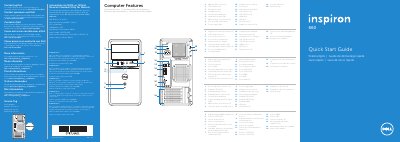
This quick start guide is for the Dell Inspiron 660 computer. It identifies the computer's external features and shows how to connect the keyboard, mouse, network cable, power cable, and display, then complete Windows setup.
It also lists supported display connection types, notes the optional discrete graphics card connection, and provides regulatory and contact information.
| Input voltage | 115/230 VAC |
|---|---|
| Input current (maximum) | 7.0 A/4.0 A or 6.0 A/2.1 A |
| Input frequency | 50 Hz–60 Hz |
| Regulatory model number | D11M |
| USB 3.0 ports | 4 |
| Audio ports | 3 |
| Expansion card slots | 4 |
| Media-card reader | 8-in-1 |
Connect the display to the connector on the discrete graphics card.
Go to dell.com/ContactDell for sales, technical support, or customer service.
The regulatory model number is D11M.