
The Dell Storage NX3230 System Getting Started Guide describes how to set up and use the Dell Storage NX3230 system.
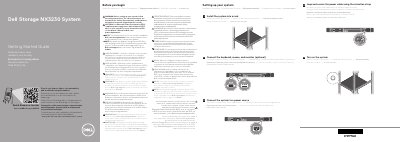
This document serves as the Getting Started Guide for the Dell Storage NX3230 system. It outlines the essential steps required to set up the system, including installing the unit into a rack, connecting peripherals like the keyboard, mouse, and monitor, and connecting the system to a power source. The guide also includes instructions on securing the power cable and powering on the system.
| Power rating per power supply unit (PSU) | 750 W or 1100 W |
|---|---|
| Heat Dissipation (750 W PSU) | 2891 BTU/hr maximum |
| Heat Dissipation (1100 W PSU) | 4100 BTU/hr maximum |
| System battery | CR 2032 3.0 – V lithium coin cell |
| Maximum ambient temperature for continuous operation | 35°C |
By default, the Windows Storage Server 2012 R2 or 2016 operating system is installed on the system at Dell factory.
You can find the complete and current listing of specifications by going to Dell.com/support and typing your Service Tag.